Reference
How the canvas works
The story canvas is the front door. Each card is one decision. The table map is a second view of the local tables.
- Choose folder
- Drop a file
- Profile rail
- Grid
- Table map
- Suggestions
- Persona
- Privacy
- Offline
- Online connectors
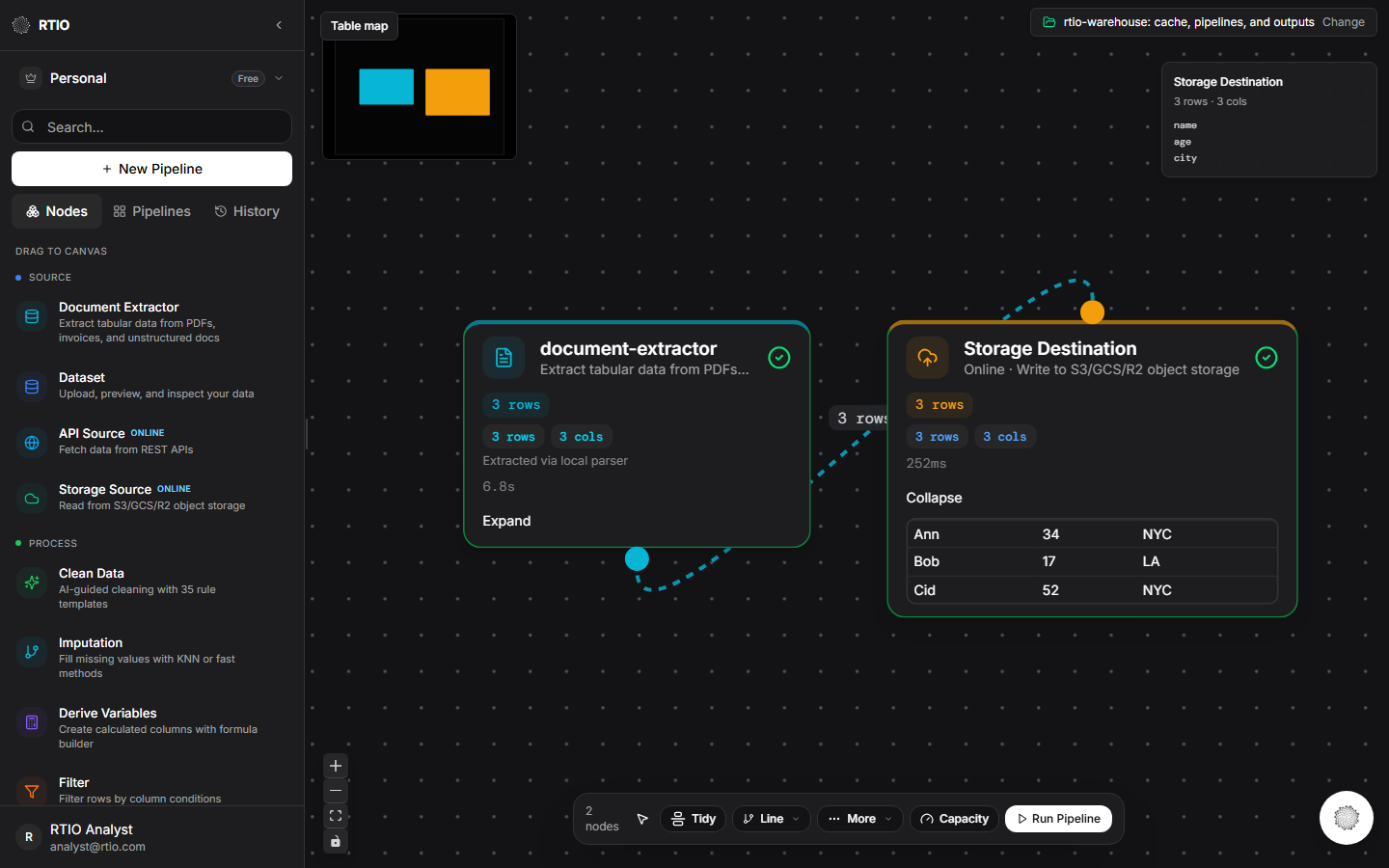
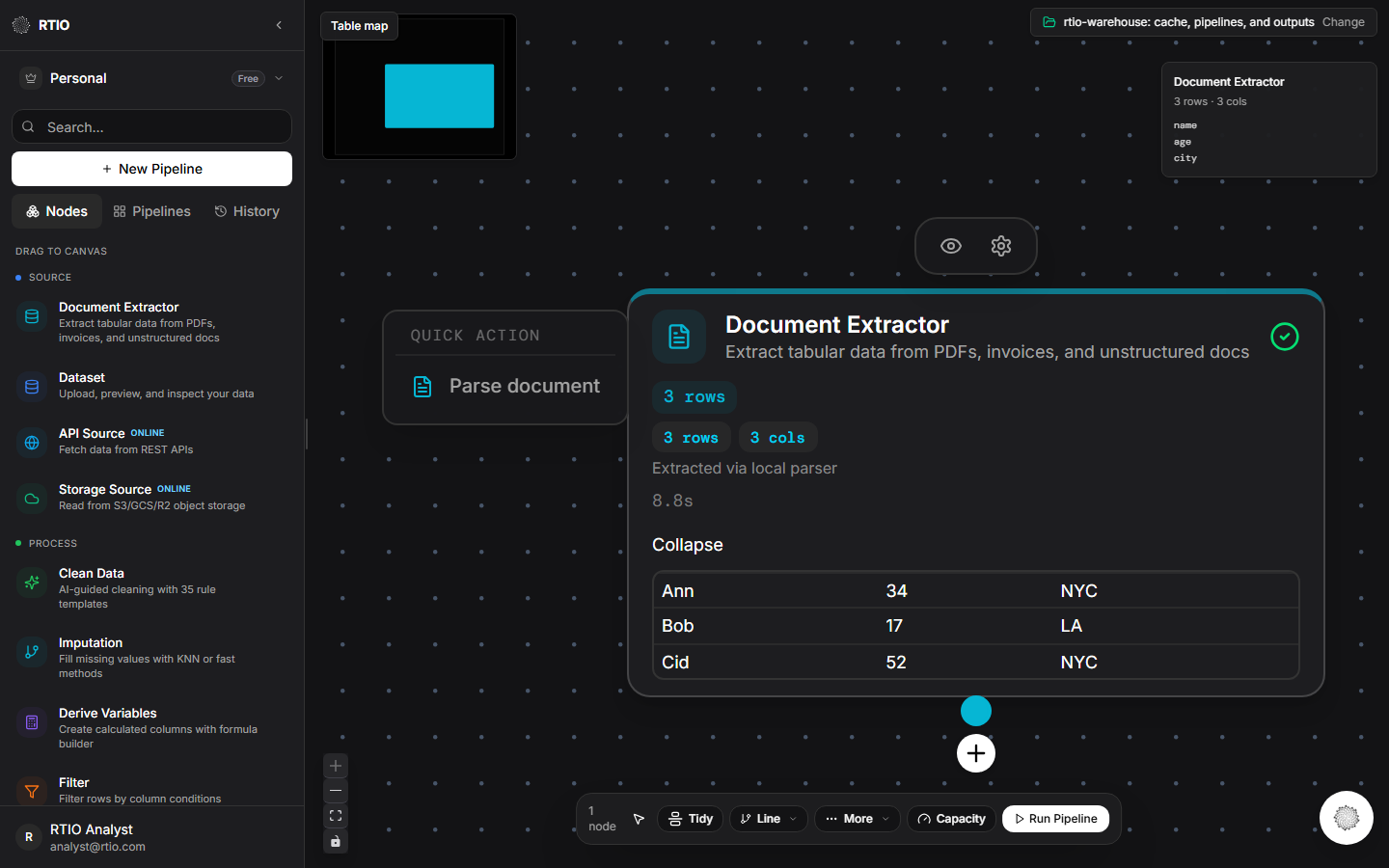
- Document Extractor
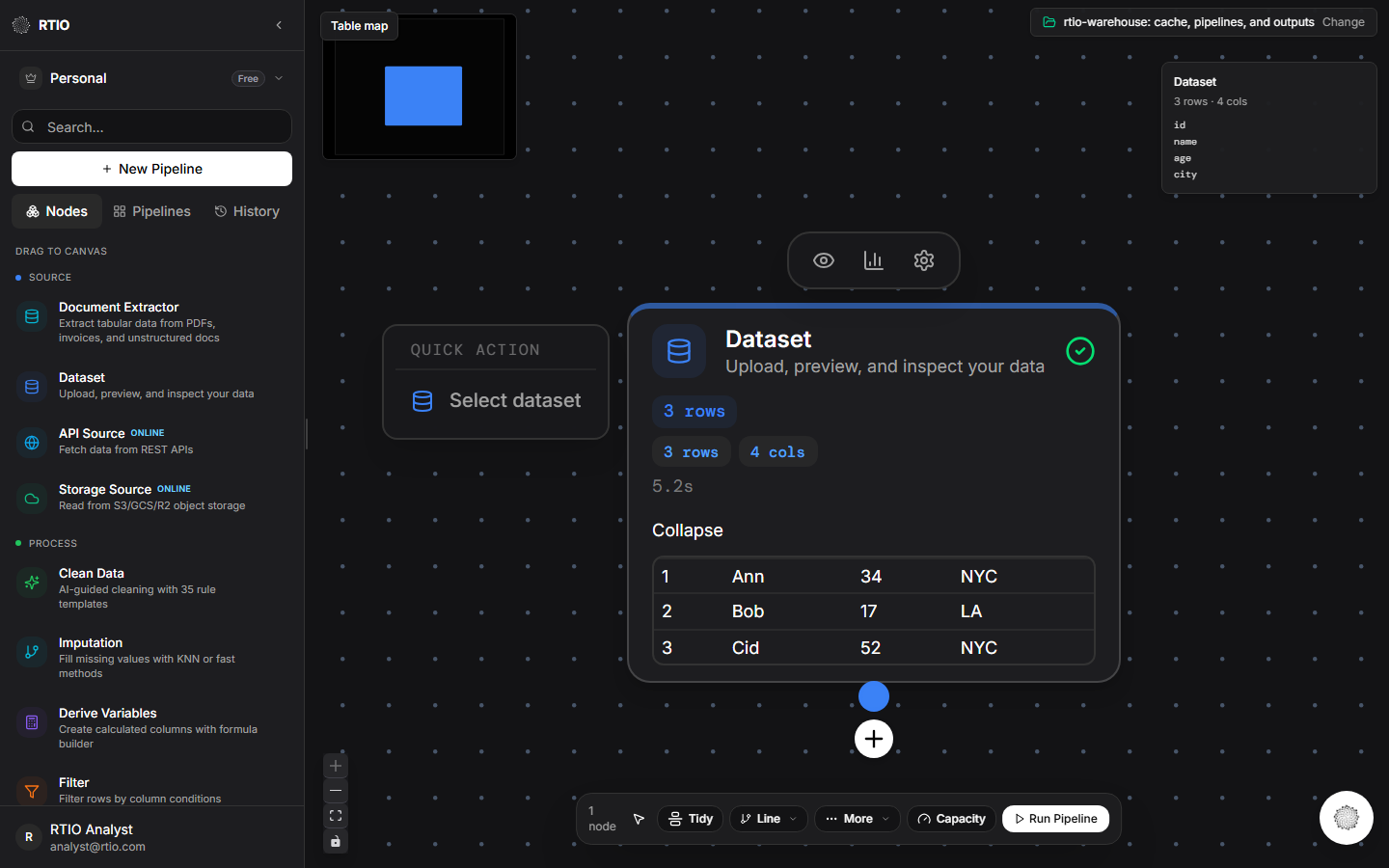
- Dataset
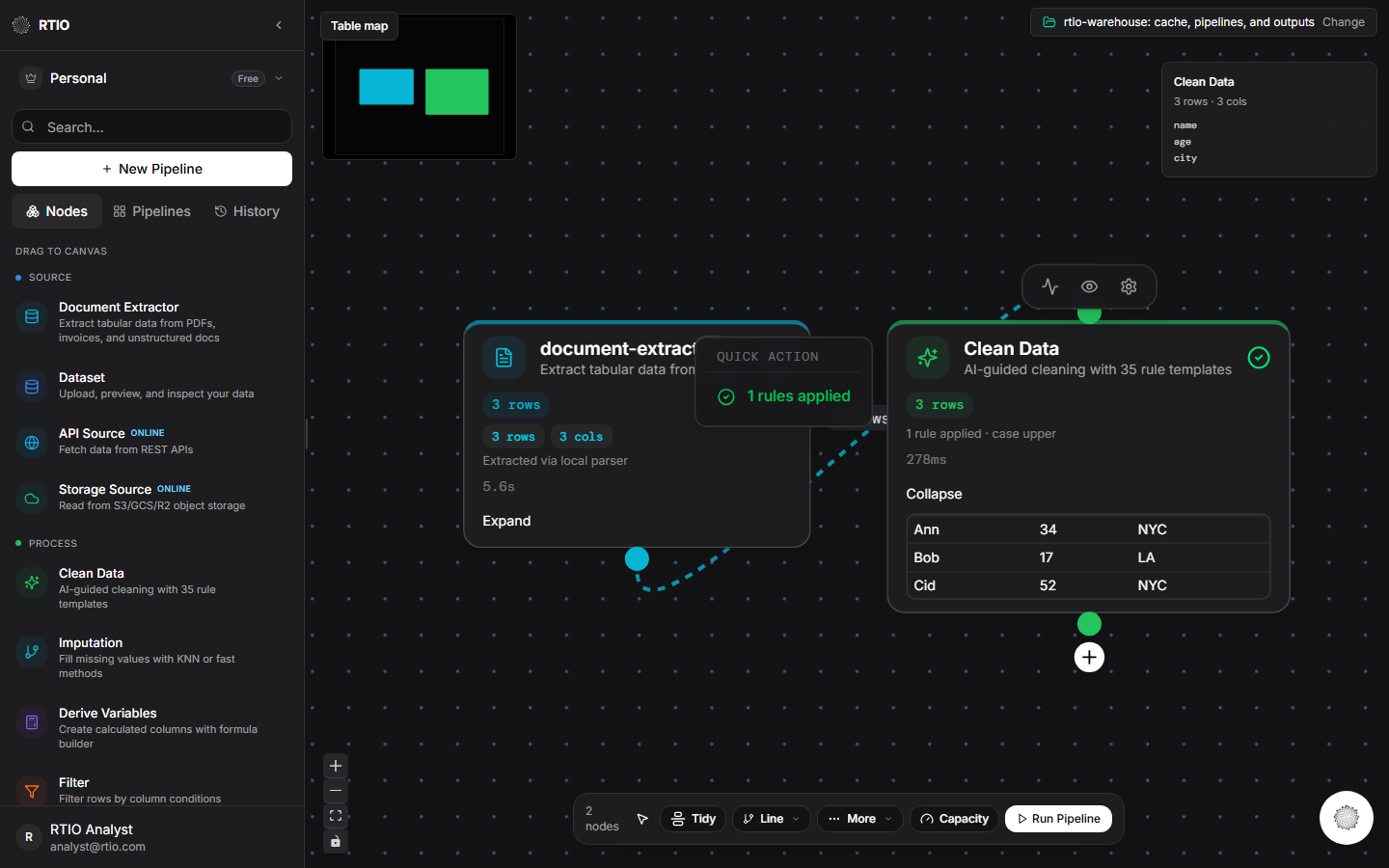
- Clean Data
- Imputation
- Derive Variables
- Filter
- Entity Resolution
- Merge / Join
- Synthetic Data
- Export
- Validate
- API Source
- API Destination
- Storage Source
- Storage Destination
Choose folder
The output folder holds pipelines and exports. The local tables being queried stay in this tab.
Drop a file
A dropped file becomes a local table. The left side opens on Nodes, so a card can be dragged onto the canvas.
Profile rail
Clicking a card shows the profile saved the last time that card ran. Selecting the card does not scan the table again.
Grid
Double-click a card to open the grid. Expand on the card shows the saved rows without scanning again.
Table map
A read-only view of files you dropped and tables a merge produced. A line is a join key. Double-click a box to return to that card.
Suggestions
Chips are counted from the table: empty cells, repeated rows, and a column with one value. Accepting a chip adds one line. Review opens the full list.
Persona
A persona is a name, instructions, and reference notes. It does not hold the rows. Choose it on the agent and in the wrangler chat. Build one on the personas page.
Privacy
The agent sees column names and the profile. It recommends a step. The table changes when you accept the step.
Offline
After one online visit, the dashboard shell can open with the network off. The rows stay on this computer.
Online connectors
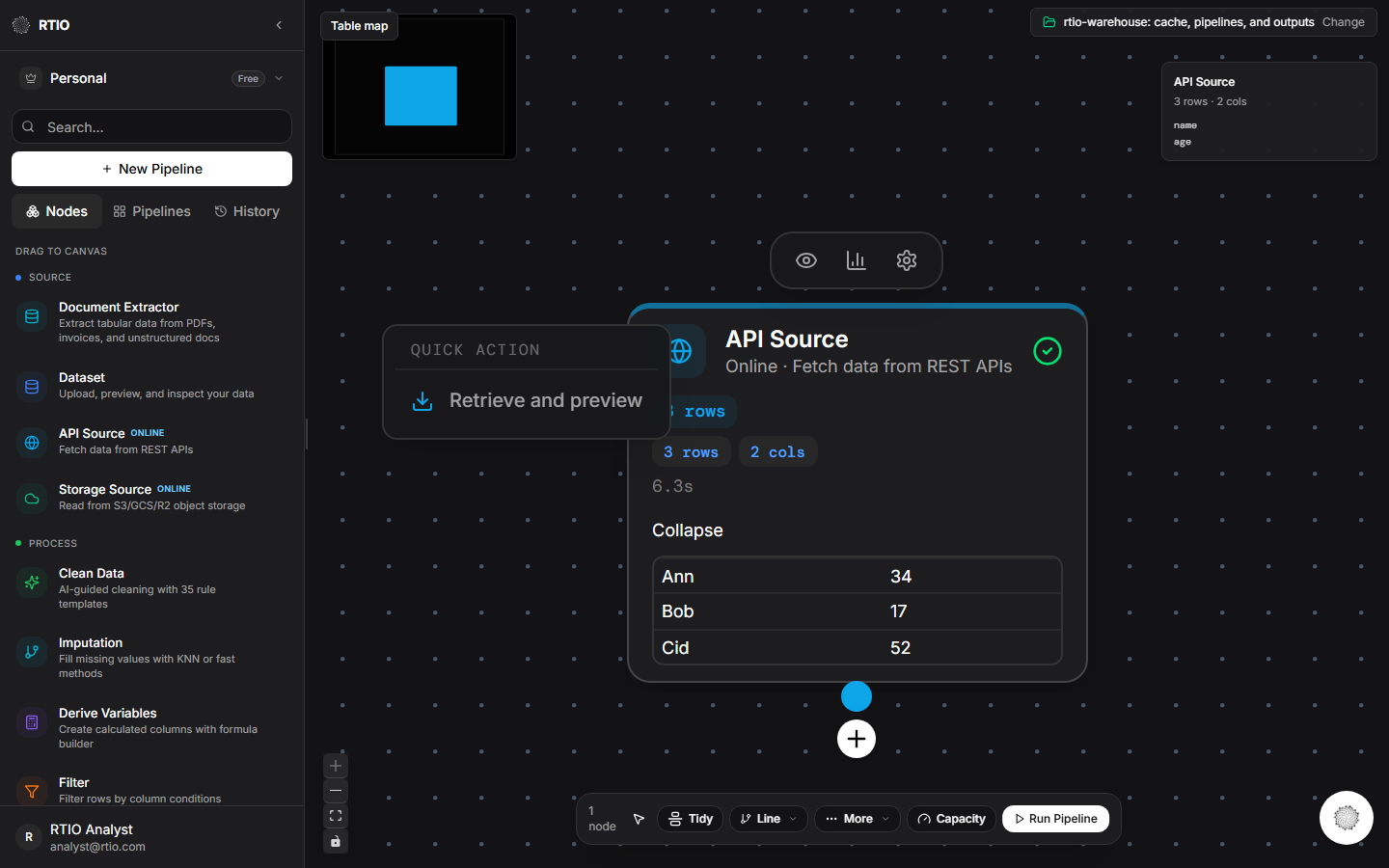
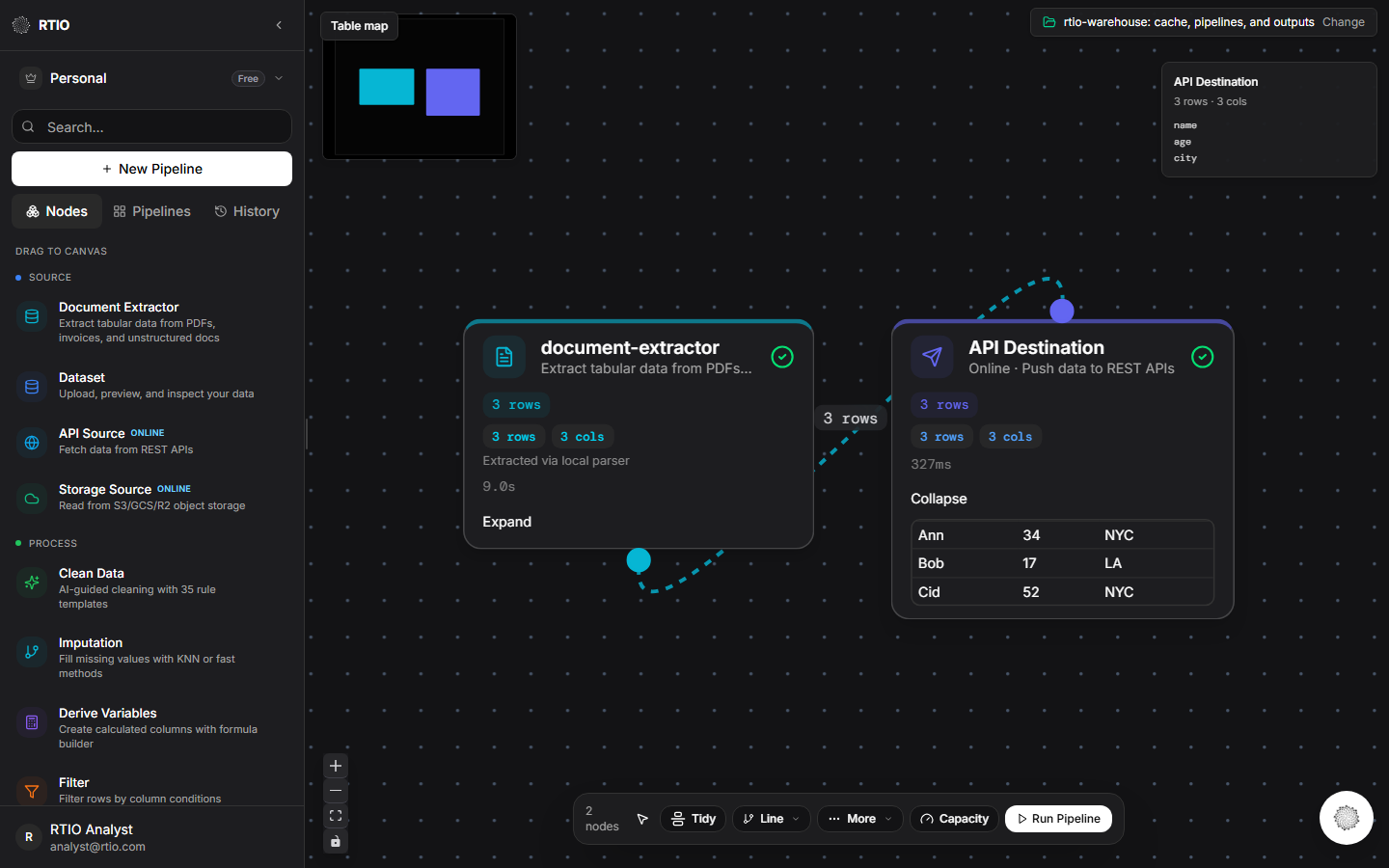
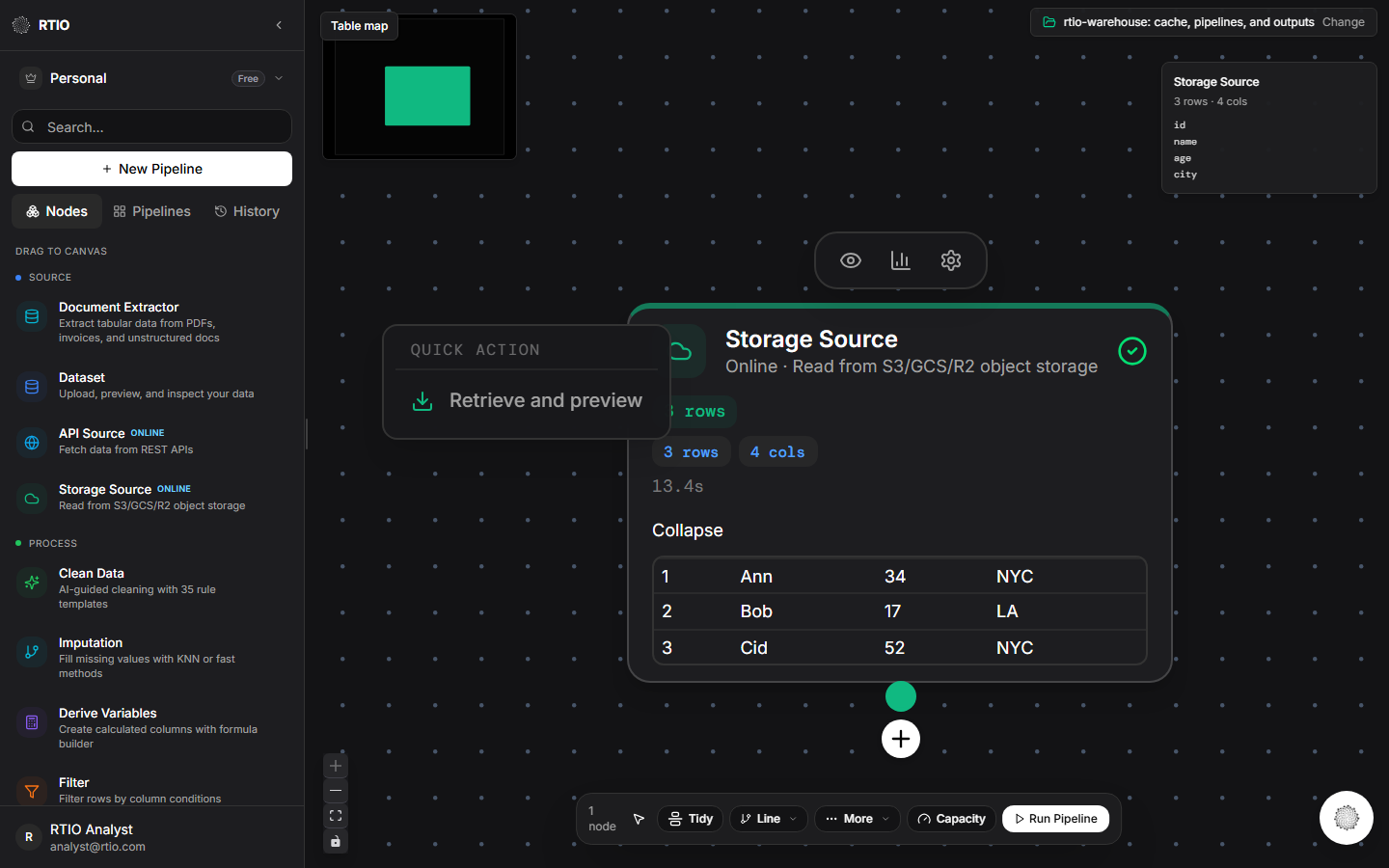
API and storage cards send or fetch rows. They are marked online.
Document Extractor
Extract tabular data from PDFs, invoices, and unstructured docs
Dataset
Upload, preview, and inspect your data
Clean Data
AI-guided cleaning with 35 rule templates
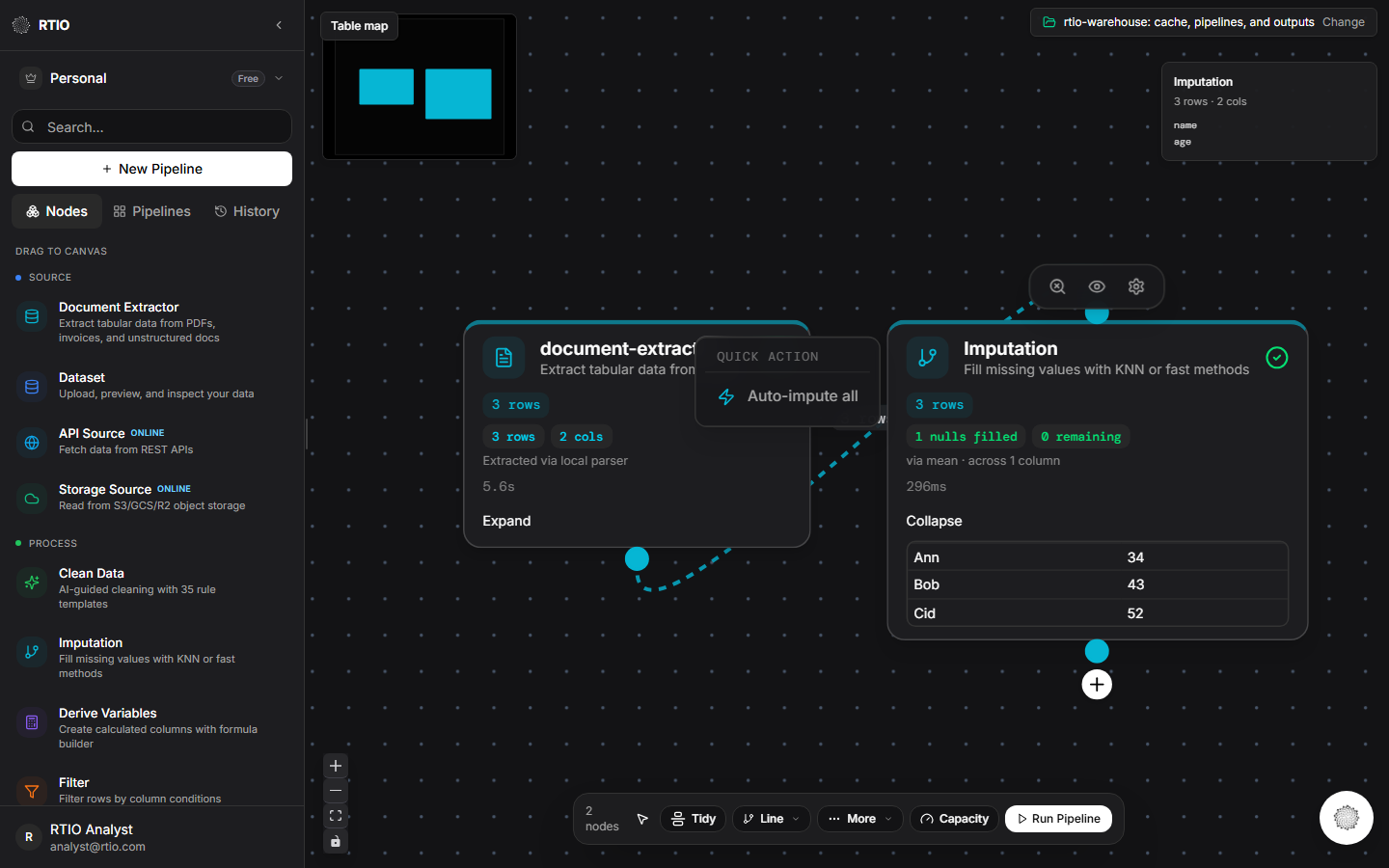
Imputation
Fill missing values with KNN or fast methods
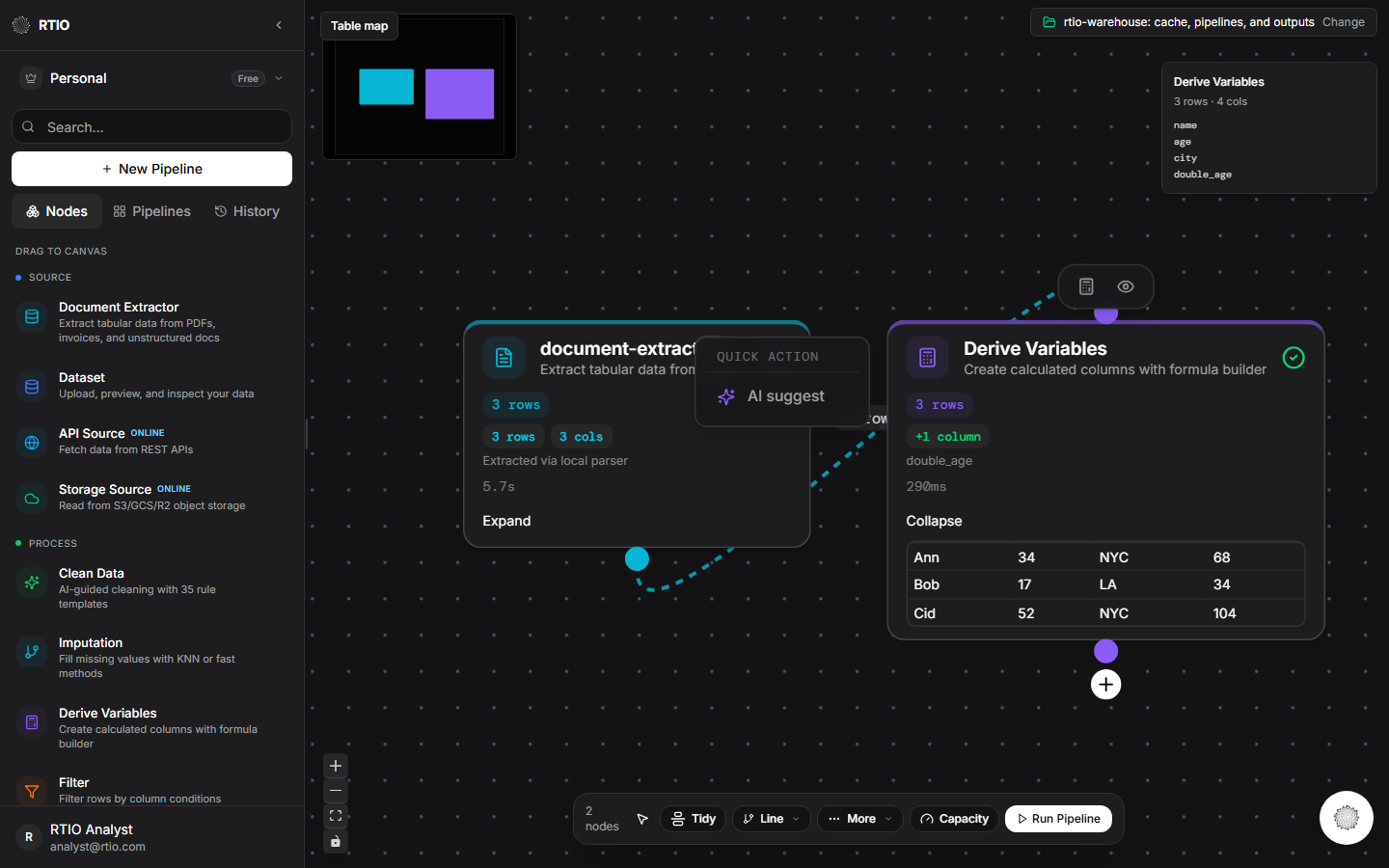
Derive Variables
Create calculated columns with formula builder
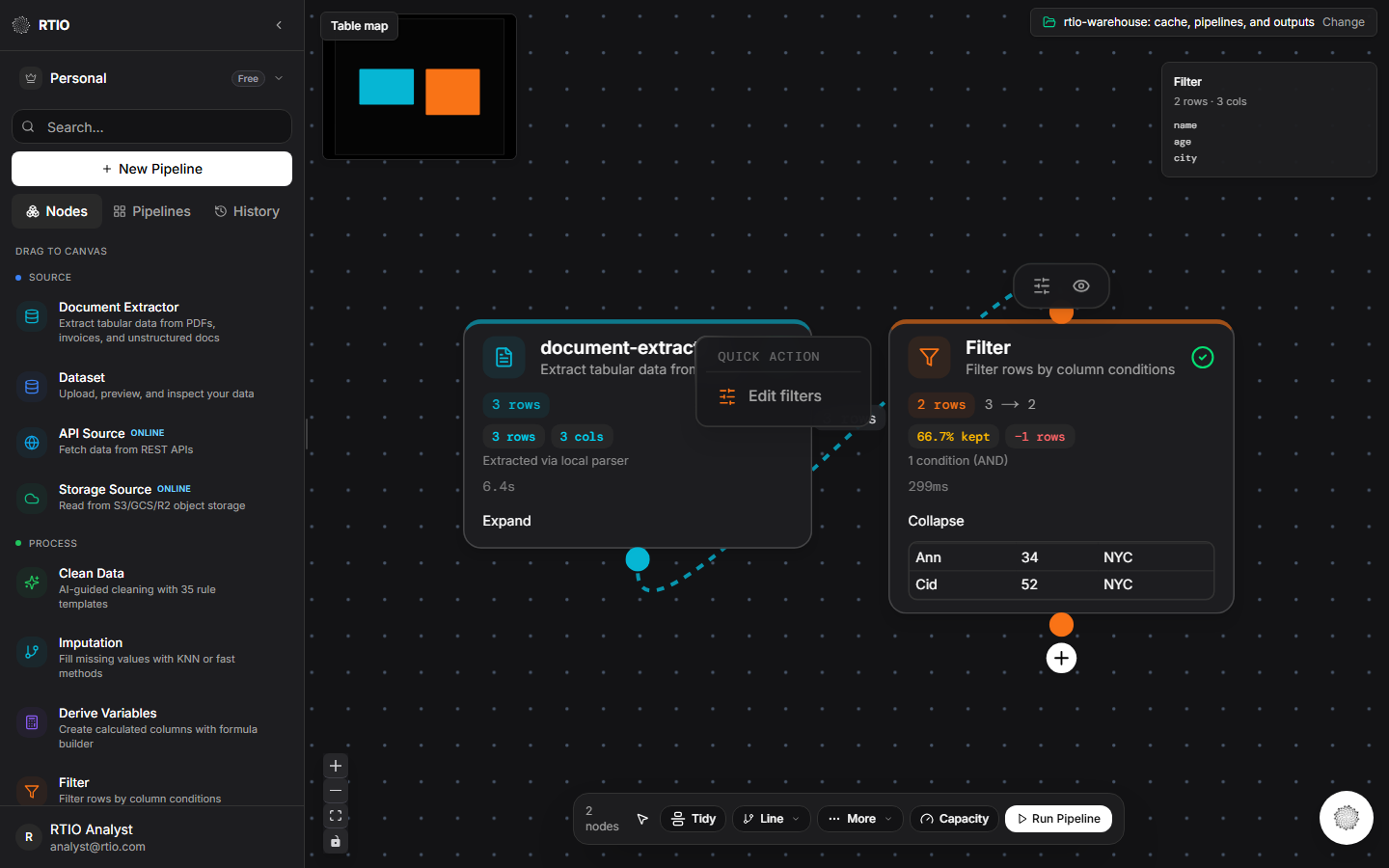
Filter
Filter rows by column conditions
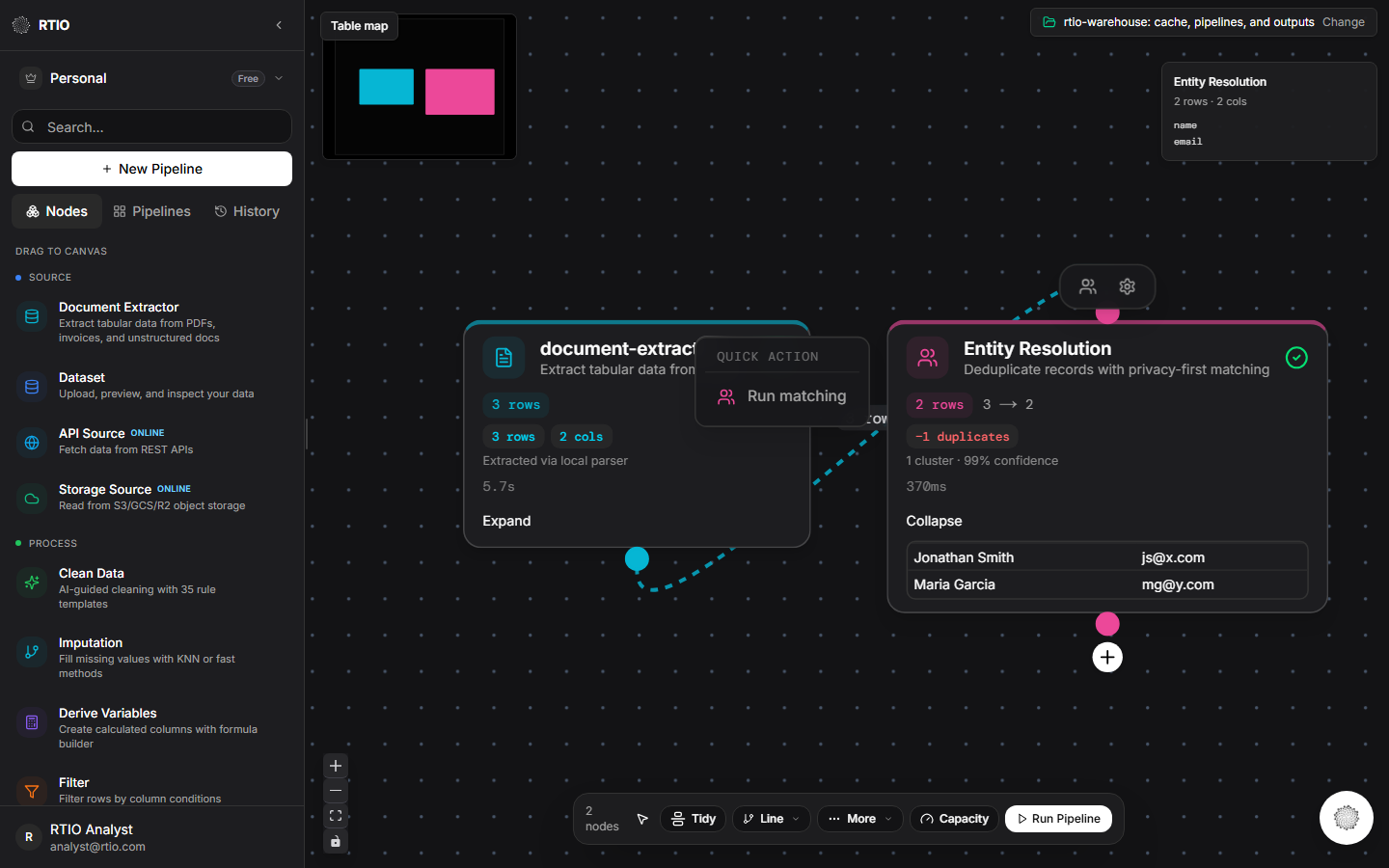
Entity Resolution
Deduplicate records with privacy-first matching
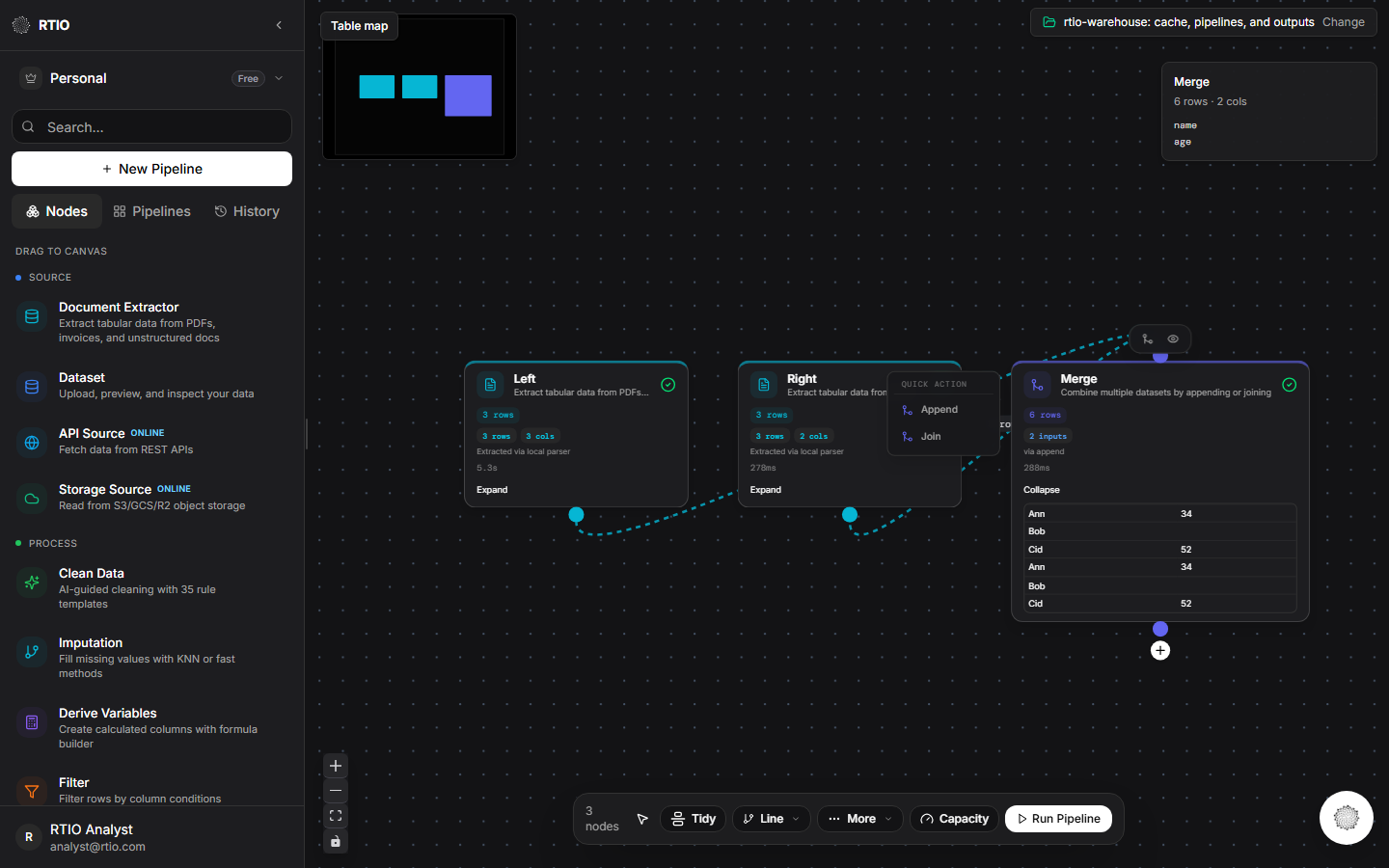
Merge / Join
Combine multiple datasets by appending or joining
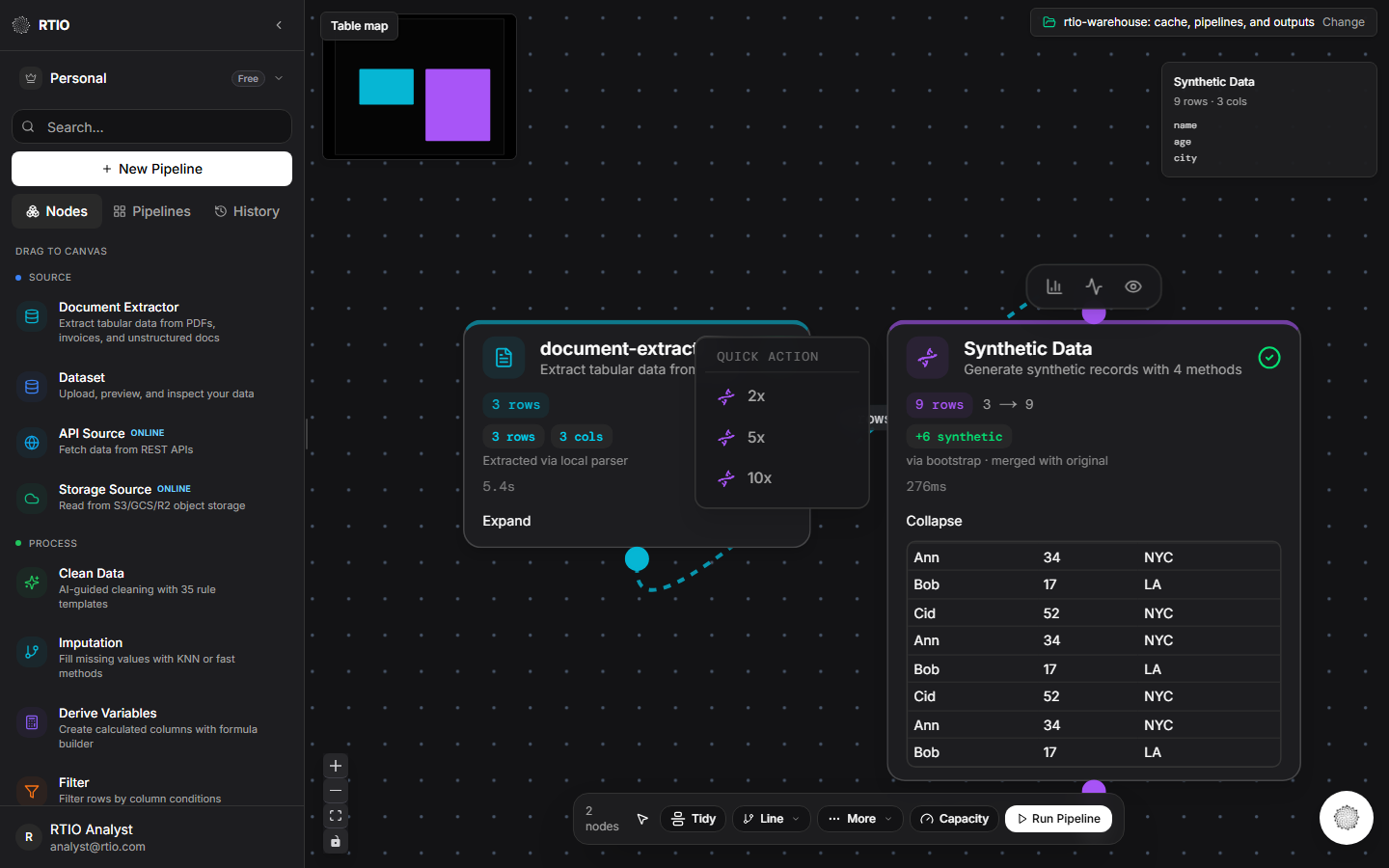
Synthetic Data
Generate synthetic records with 4 methods
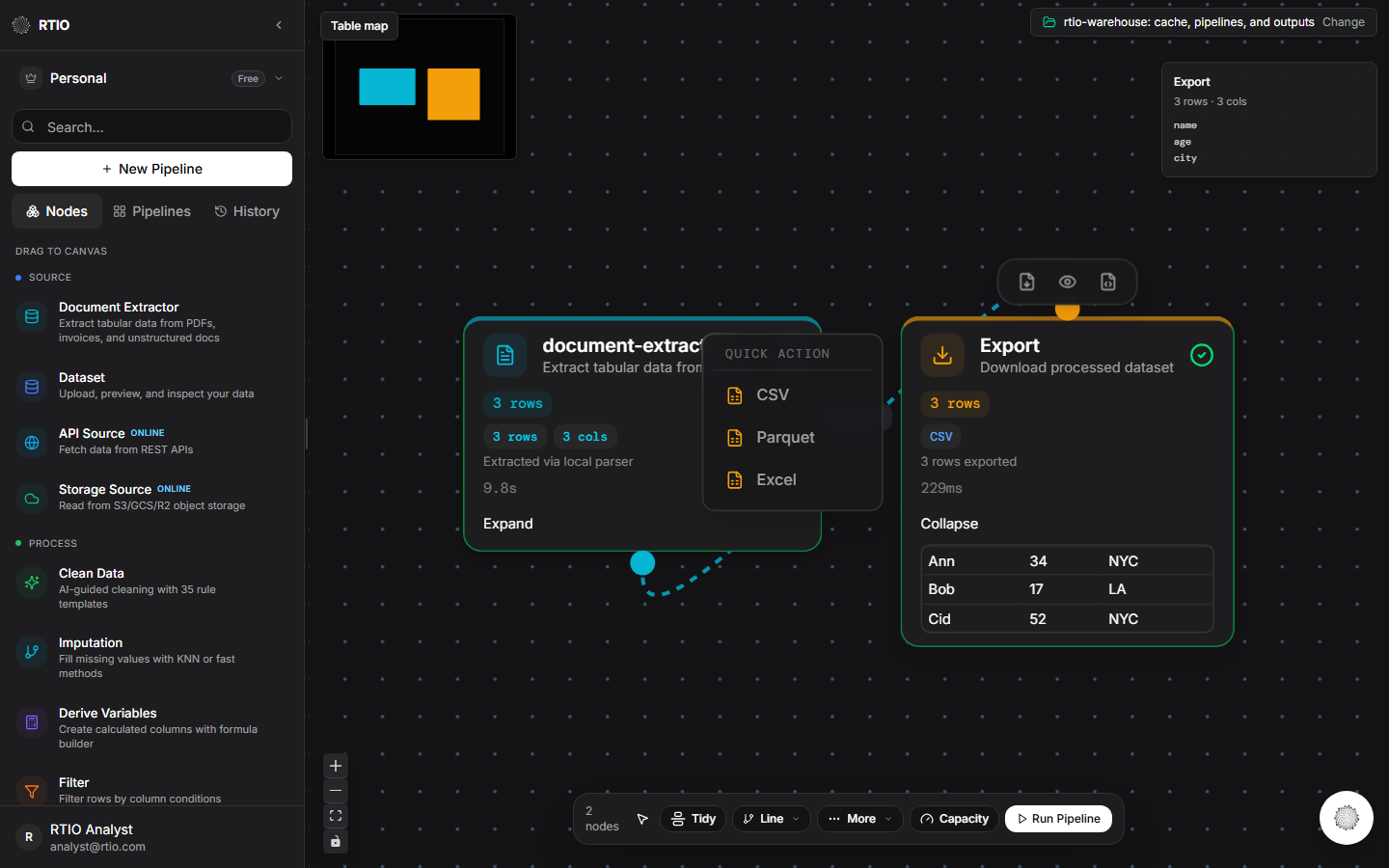
Export
Download processed dataset
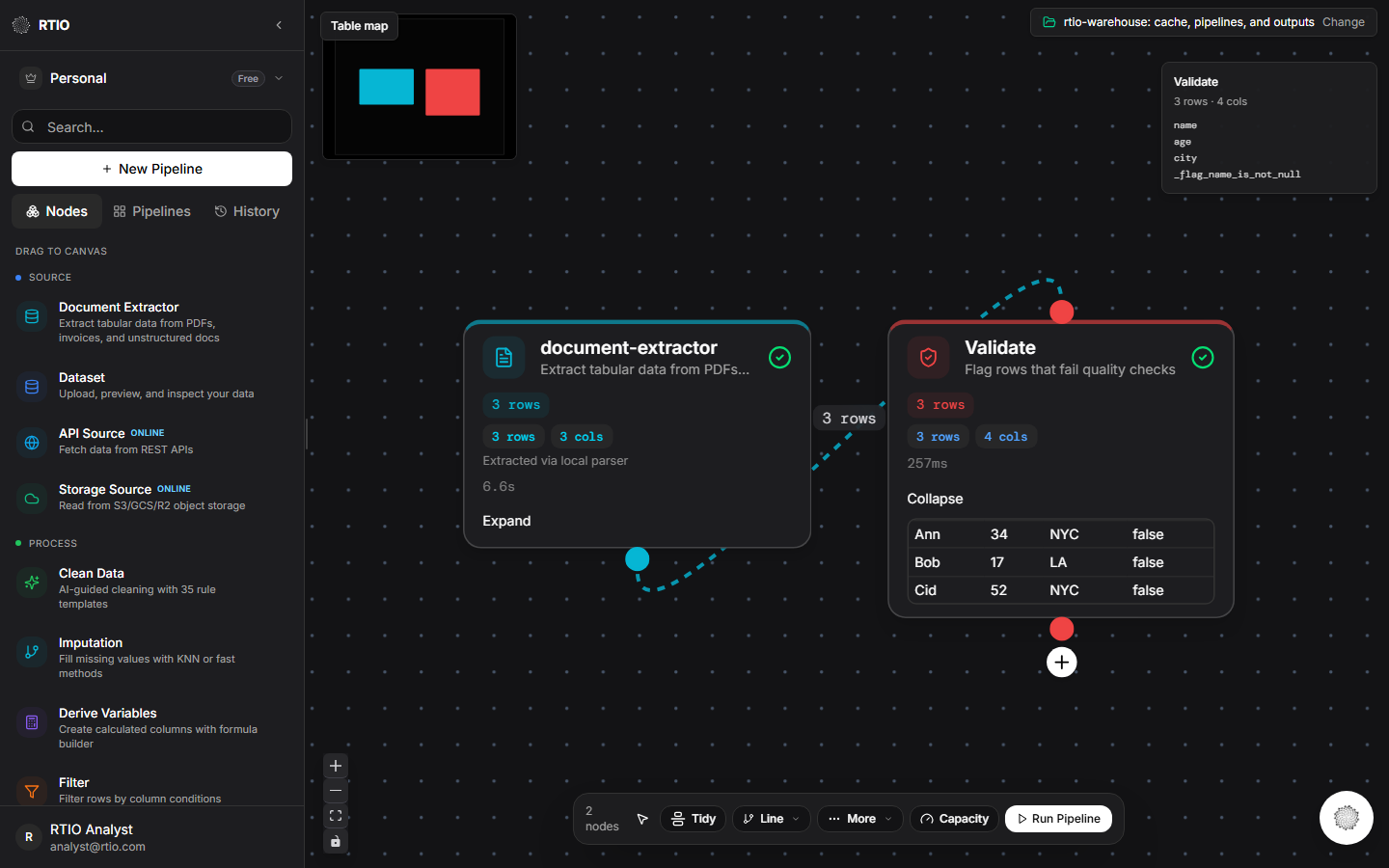
Validate
Flag rows that fail quality checks
API Source
Fetch data from REST APIs
API Destination
Push data to REST APIs
Storage Source
Read from S3/GCS/R2 object storage
Storage Destination
Write to S3/GCS/R2 object storage